See the bridge
in action.
Experience the first seamless connection between tactile paper and digital memory. Watch how your notes come alive with voice, search, and instant recall.
Scan QR
Unique page sync
Add Voice
Contextual notes
AI Search
Handwriting recall
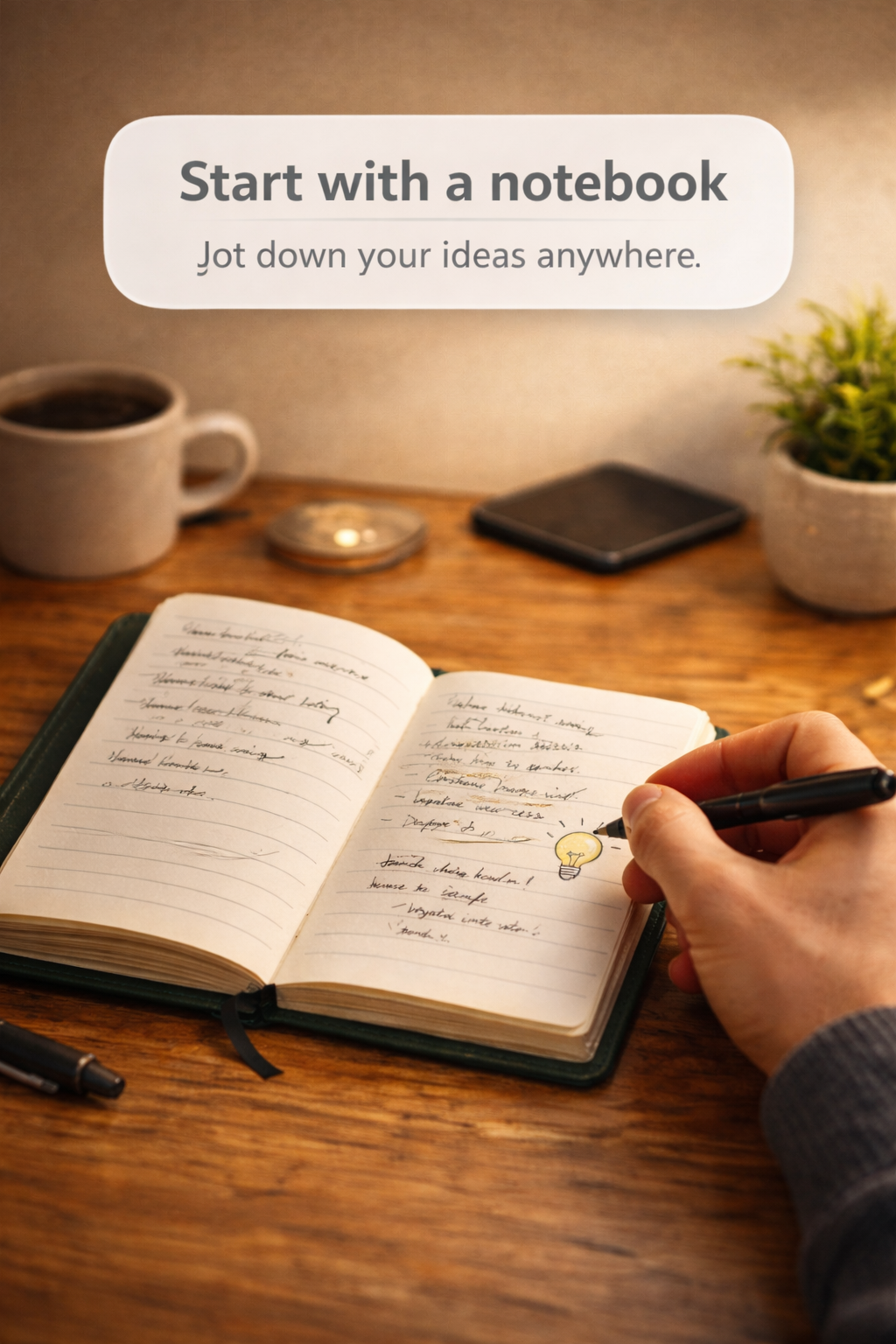
Write Naturally
Every Noteit page is a canvas for your thoughts. No change in habit required.
You write notes… but what happens next?
Hard to find later
You flip pages but still can’t find that one important note when you need it most.
No context
Your handwritten notes miss the voice recordings, images, and live references you had in mind.
Apps don’t feel natural
Typing everything on a screen isn’t the same as the tactile flow of writing on real paper.
The best of paper + digital
A seamless bridge between your physical notes and digital memory.
Write like you always do
Use your physical Noteit notebook—no change in habit or learning curve.
Scan the page
Each page has a unique QR code. Just scan with our app to open it instantly.
Add anything you want
Attach voice notes, images, links, and documents directly to that page.
Revisit anytime
Scan the same page later and access its full digital history in seconds.
Everything your notebook was missing
Voice Notes
Record thoughts, lectures, or meetings directly on any physical page.
Add Images
Capture photos, diagrams, or documents and link them instantly.
Save Links
Attach useful web links and references to your handwritten notes.
Revisit Anytime
Scan the same page and access your full historical digital context.
Organize Pages
Group pages by subject, project, or idea with custom tags.
Share Easily
Send a digital version of any page or entire notebook via a simple link.
Built for how you actually use notebooks
Capture every lecture exactly as you experienced it
Write in class, attach recordings of the professor, capture whiteboard diagrams, and revise smarter with all context in one place.
Capture ideas instantly
Notes, voice thoughts, inventory photos, product ideas, and customer requirements—all organized and searchable by notebook page.
Organize your thinking
From rough sketch ideas to final execution references. Use the notebook for focus, and the app for your massive digital reference library.
Be part of the bridge.
We're building the first seamless bridge between your physical notebook and digital memory.
Free forever for early adopters
Common Questions
Each page in the NoteIt notebook has a unique QR code. Scan it using our PWA to attach digital content like voice notes, images, or links. The app links your physical writing to your digital history automatically.
You can save notes instantly even without a connection (offline-first). Sync to the cloud and Google Drive happens automatically in the background when you’re back online.
Absolutely. Your data is encrypted and linked securely to your account. Media files are stored in your own Google Drive (MVP phase) so you maintain full control over your content.
Currently, NoteIt works best with our specially designed QR-enabled notebooks to ensure perfect page resolution and a seamless experience.
Yes, the core app is free to start. We will offer premium features (like AI transcription and search) as optional upgrades in the future.